

Creating an Account
To use Legal Hints you need an account. Creating an account takes just a few minutes and is done through a secure registration screen.
-
On the start page, press the “Continue Now — Free” button.

-
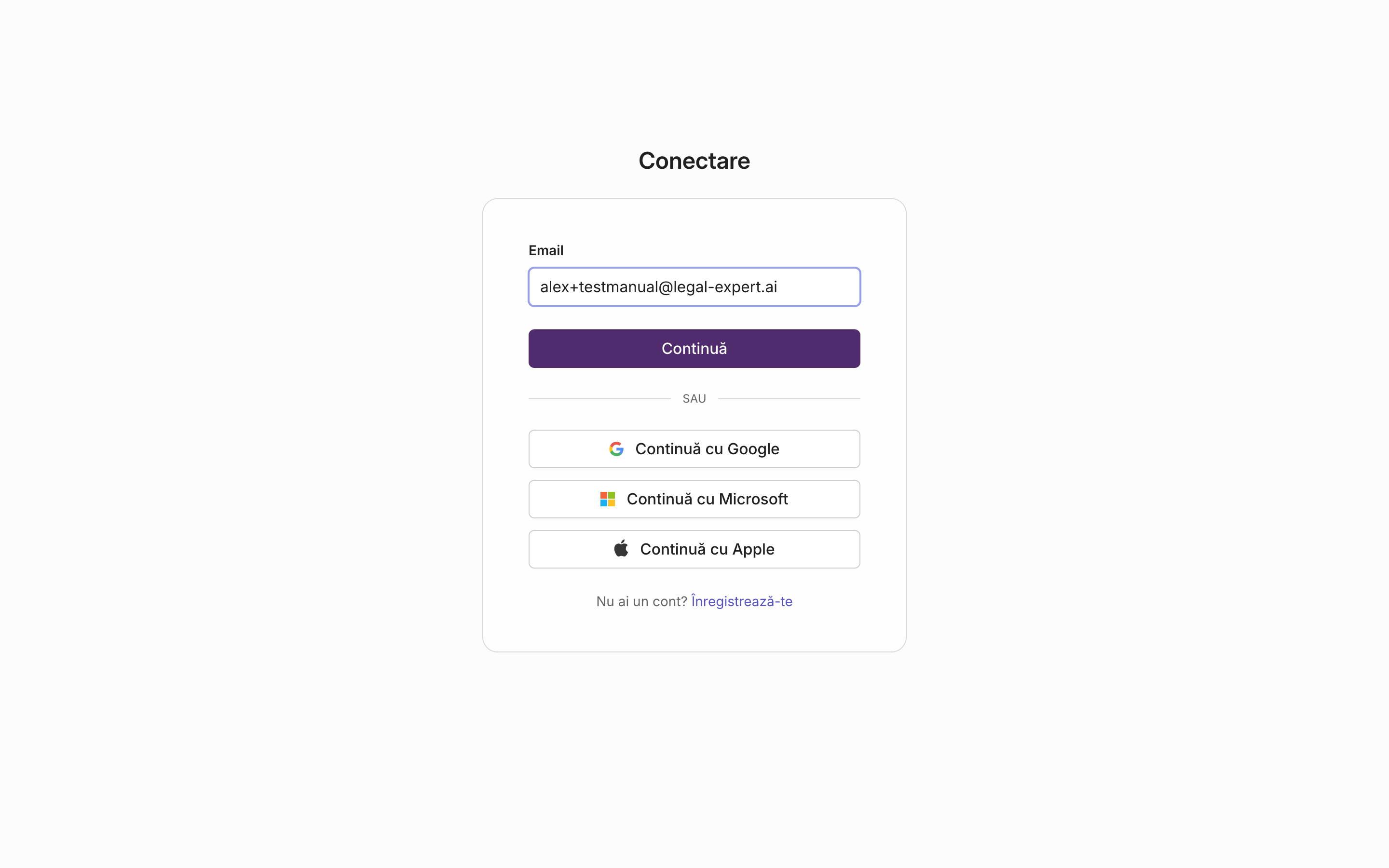
You are directed to the registration screen. Enter your email address and press “Continue”.
-
Fill in your name and the other information requested for the account.
-
Complete the form to create your account.
Result
Section titled “Result”Your account is created. On your first sign-in you will go through a short introductory tour of the application and will need to accept the terms of use, as described in First steps in the app.