

Account Settings
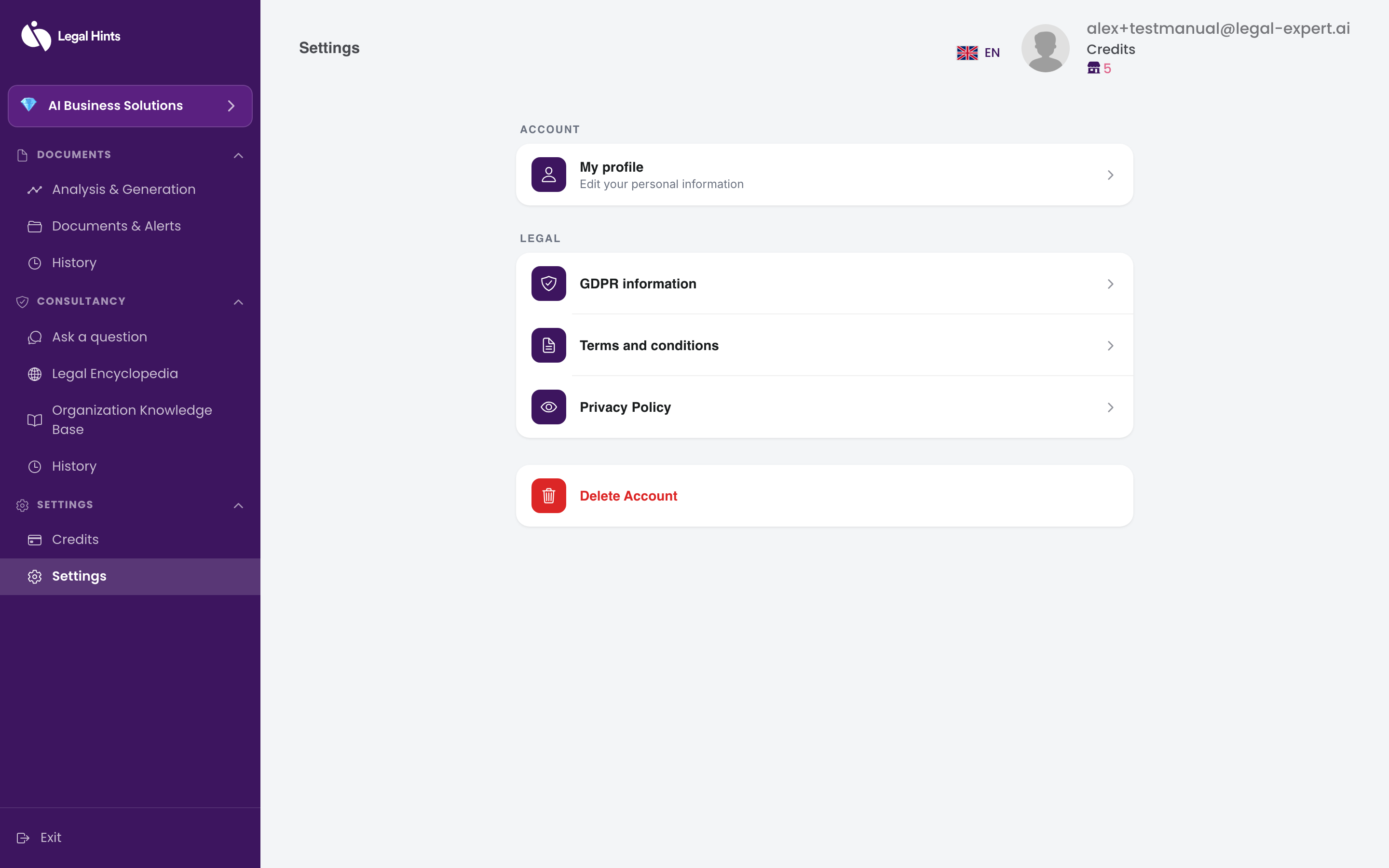
From the settings section you can manage your profile information and your account preferences.
-
Go to the Settings section of the application menu and open account settings.
-
In the profile / account area, check or update your account details.
-
In the region and language area, you can check or change the interface’s region and language.
-
Save the changes you made.
Result
Section titled “Result”Your account settings are updated.