

Project History
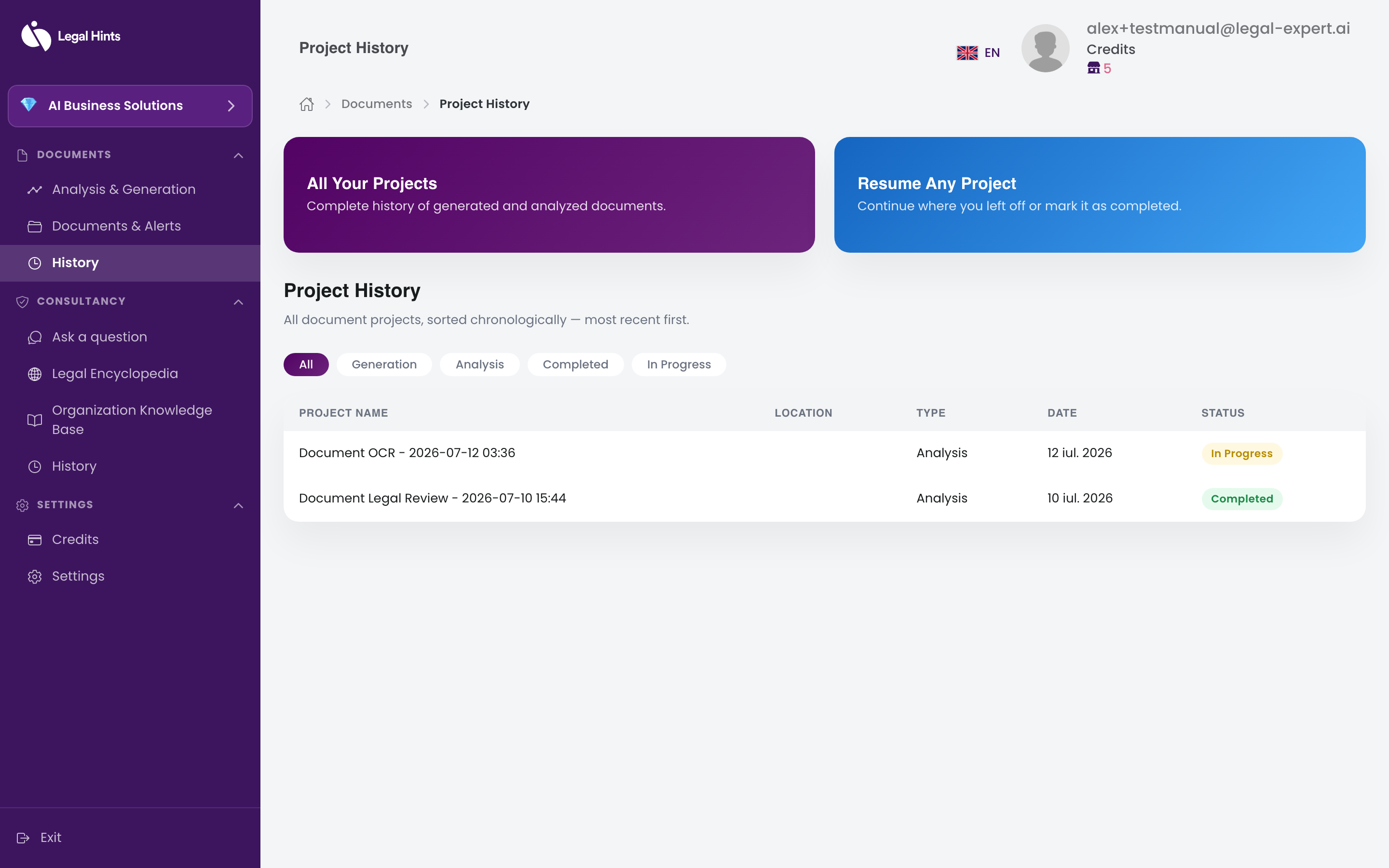
“Project history” keeps track of the tasks you have performed on documents: analyses, version comparisons, signature verifications, OCR extractions, and generations. This way you can easily return to a previous task.
Where to find it
Section titled “Where to find it”Open Project history from the side menu, in the Documents group. The list of tasks is displayed, ordered from most recent.
What you can do
Section titled “What you can do”From the history you can:
- find a previously performed task;
- open a task to review its result.
Result
Section titled “Result”You have a clear record of your activity, easy to browse and resume.