

How Credits Work
Your business-type account uses a package of organizational credits, distinct from a personal wallet. These credits are available to all users in the organization and are consumed as you use the application’s tools.
What consumes credits
Section titled “What consumes credits”Credits are consumed when you use tools that involve processing by the AI assistant, for example:
- document analyses — document analysis, change analysis, signature verification, OCR;
- legal questions asked to the AI assistant.
Where to see your balance
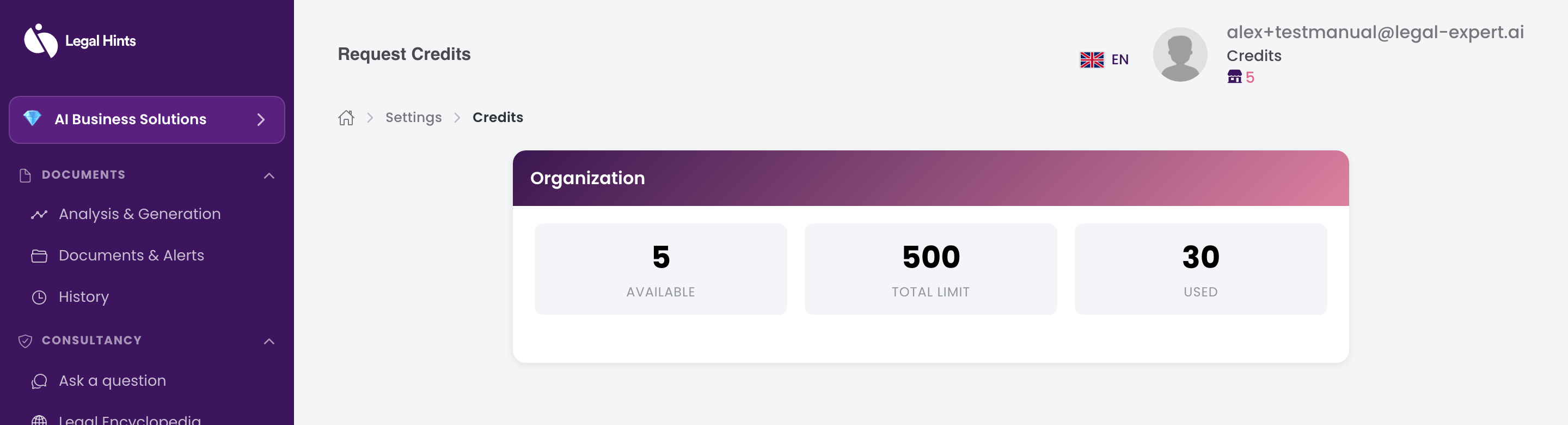
Section titled “Where to see your balance”The organization’s credit balance is shown in the Credits section of the application menu, in the “Organization Credits” card (Available / Total limit / Used).
What “Request credits” means
Section titled “What “Request credits” means”Because this type of account has no card payments in the application, when the organization’s credit balance is close to running out, use the “Request credits” menu to ask for additional credits to be allocated. The request is sent for approval to an organization administrator.
For detailed steps, see Requesting credits.