

Users and credit requests
The Users group in the sidebar brings together all of your organization’s accounts and the credit requests they submit. From here you manage the organization’s administrators, its end users (API accounts), and you review credit requests.
Administrators
Section titled “Administrators”The Administrators section lists the organization’s administrator accounts — the people who have access to this panel and can administer the organization.
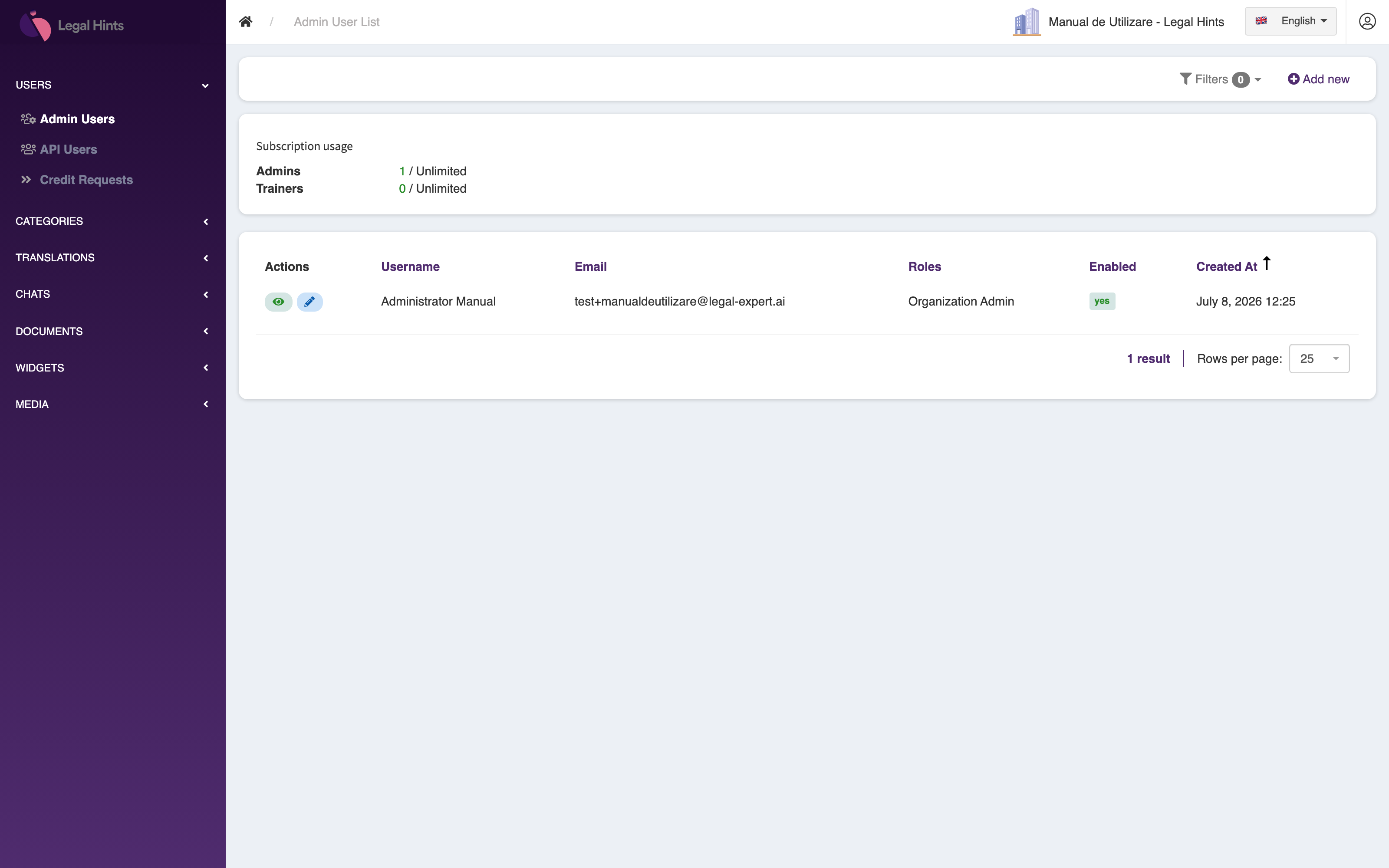
From here you can add a new administrator, edit their account details, or revoke their access.
The Users section lists the organization’s end users — the (API) accounts of the people who use the assistant. At the top, the Subscription usage area shows the organization’s consumption against its subscription limits, for example Users 0 / Unlimited and Credits 0 / Unlimited.
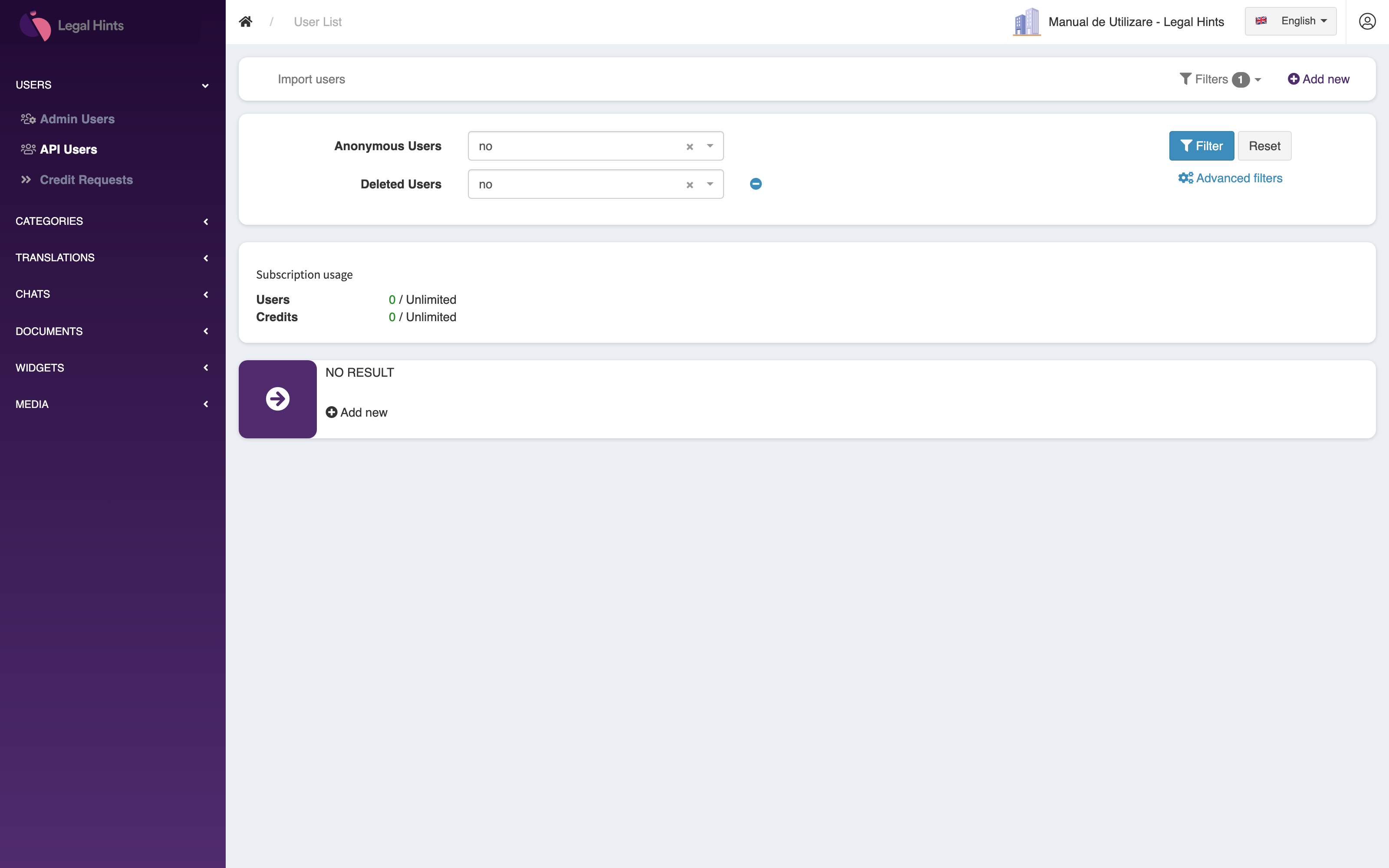
For each user you can view and edit the account details. The filters at the top help you narrow the list (for example excluding anonymous or deleted accounts). In this demo organization the list is empty, which is why the No result message appears.
Credit requests
Section titled “Credit requests”The Credit requests section collects the requests for credits submitted by the organization’s users. When a user needs additional credits, they submit a request, and you review and approve it here.
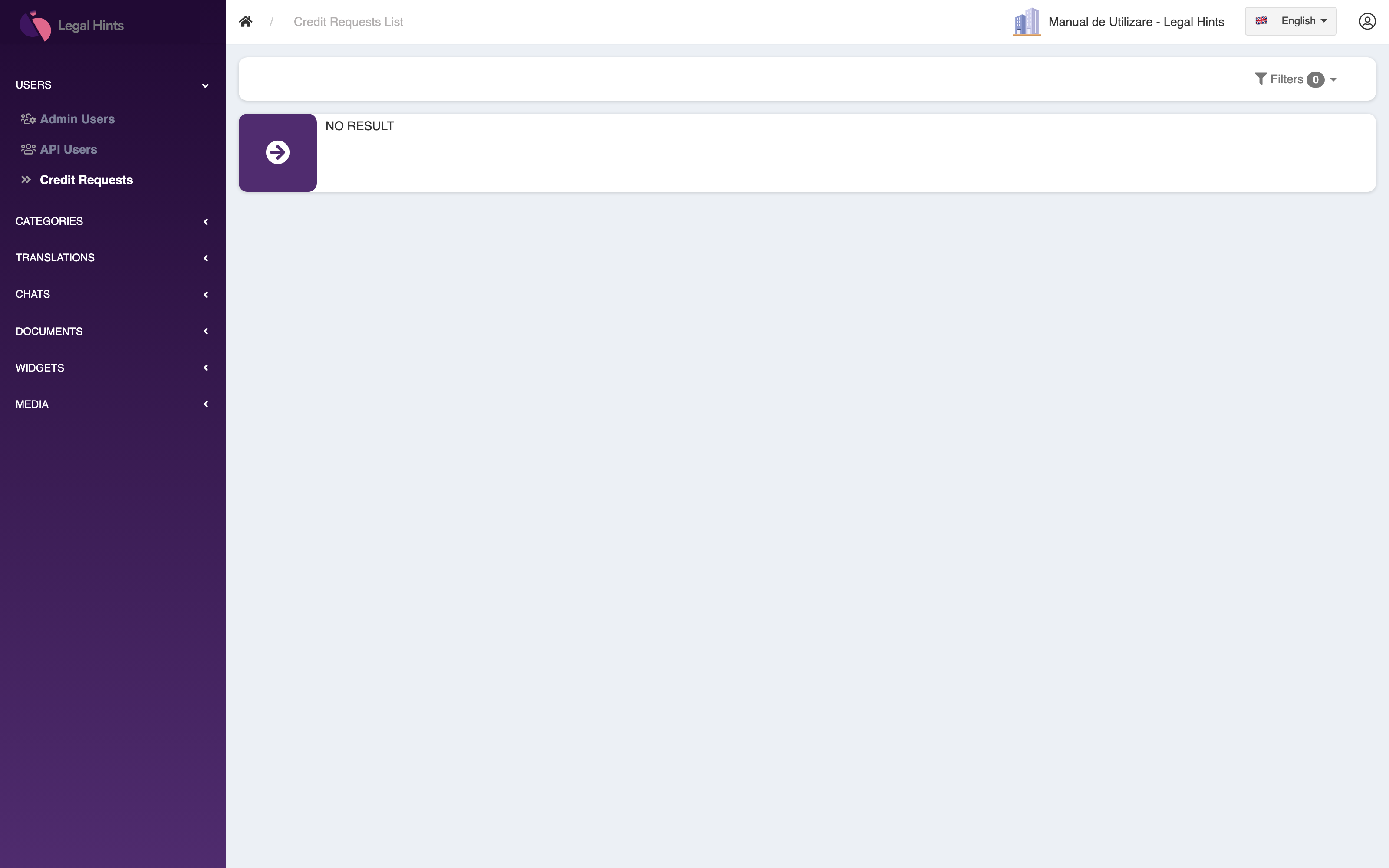
The typical flow:
- A user of the organization submits a credit request from the app.
- The request appears in the Credit requests section.
- After checking it, you approve it, and the credits become available to the user.