

Verifying Signatures
Signature verification analyzes a document and identifies the signatures present in it. This way you quickly find out whether the document contains the expected signatures.
When to use verification
Section titled “When to use verification”Use this tool when you want to confirm that a signed document contains the necessary signatures, before archiving it or acting on it.
-
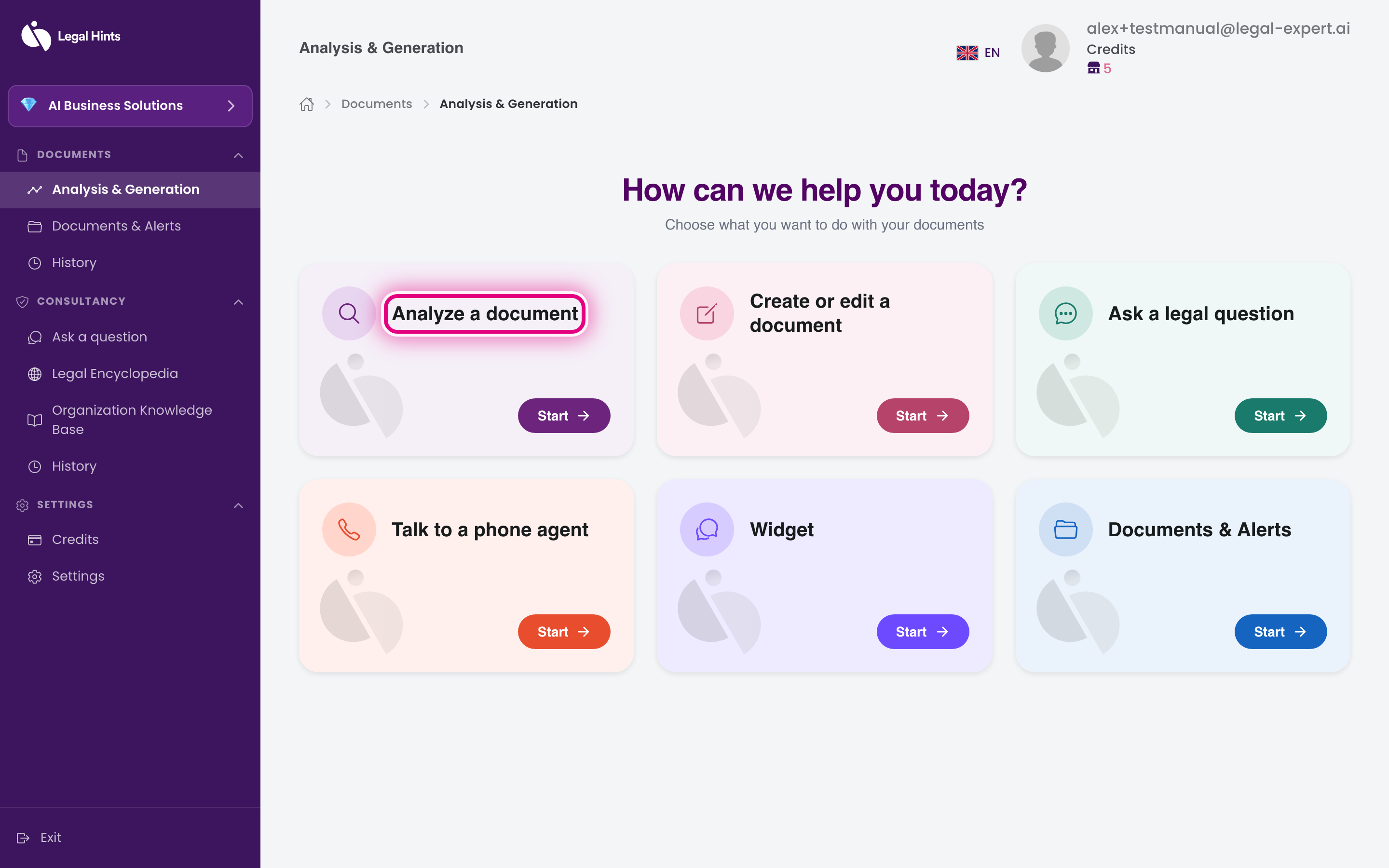
On the main hub “Analysis & Generation”, press the Analyze a document card.
-
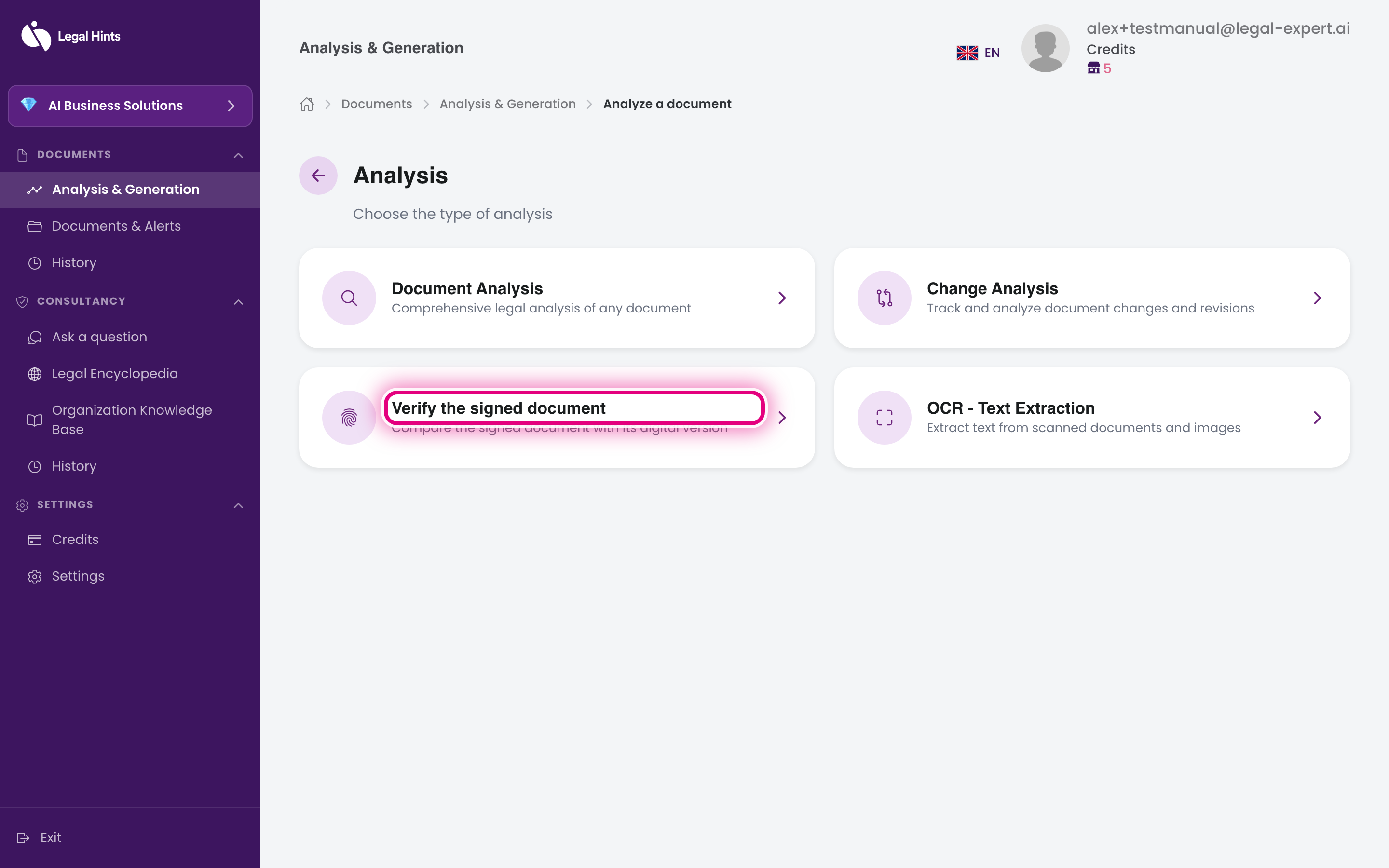
On the “Choose analysis type” screen, select Verify signed document.
-
Upload the document containing the signatures to verify.
-
Confirm and wait for processing. The assistant goes through the document looking for signatures.
-
Review the verification result, which shows the signatures identified in the document.
Result
Section titled “Result”You get a confirmation of the signatures found in the document. The task remains available in Project history.