

My Documents
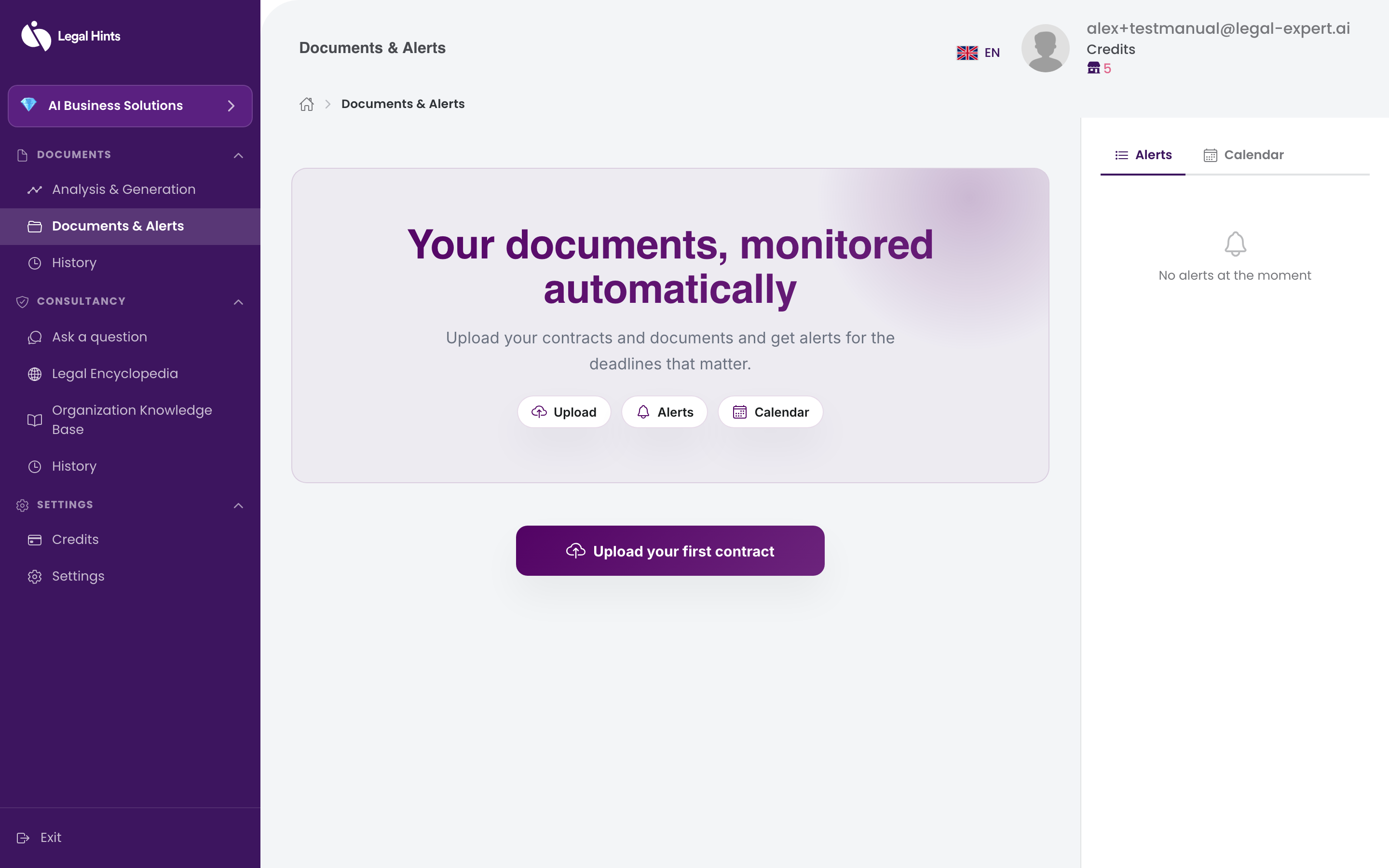
Documents & Alerts is your document library: here you find the files you have uploaded for analysis and the documents you have generated in the application.
Where to find them
Section titled “Where to find them”Open Documents & Alerts from the side menu, in the Documents group. The list of your documents is displayed, with the most recent one at the top.
What you can do
Section titled “What you can do”From the library you can:
- open a document to see its contents;
- download the document to your device;
- quickly find a document previously analyzed or generated.
Result
Section titled “Result”You have all the documents you’ve worked with in one place, easy to find and reuse.