

Requesting Credits
When your organization needs more credits, you can send a request directly from the application. The request is reviewed and approved by an organization administrator.
-
From the Credits section, press “Request credits”.
-
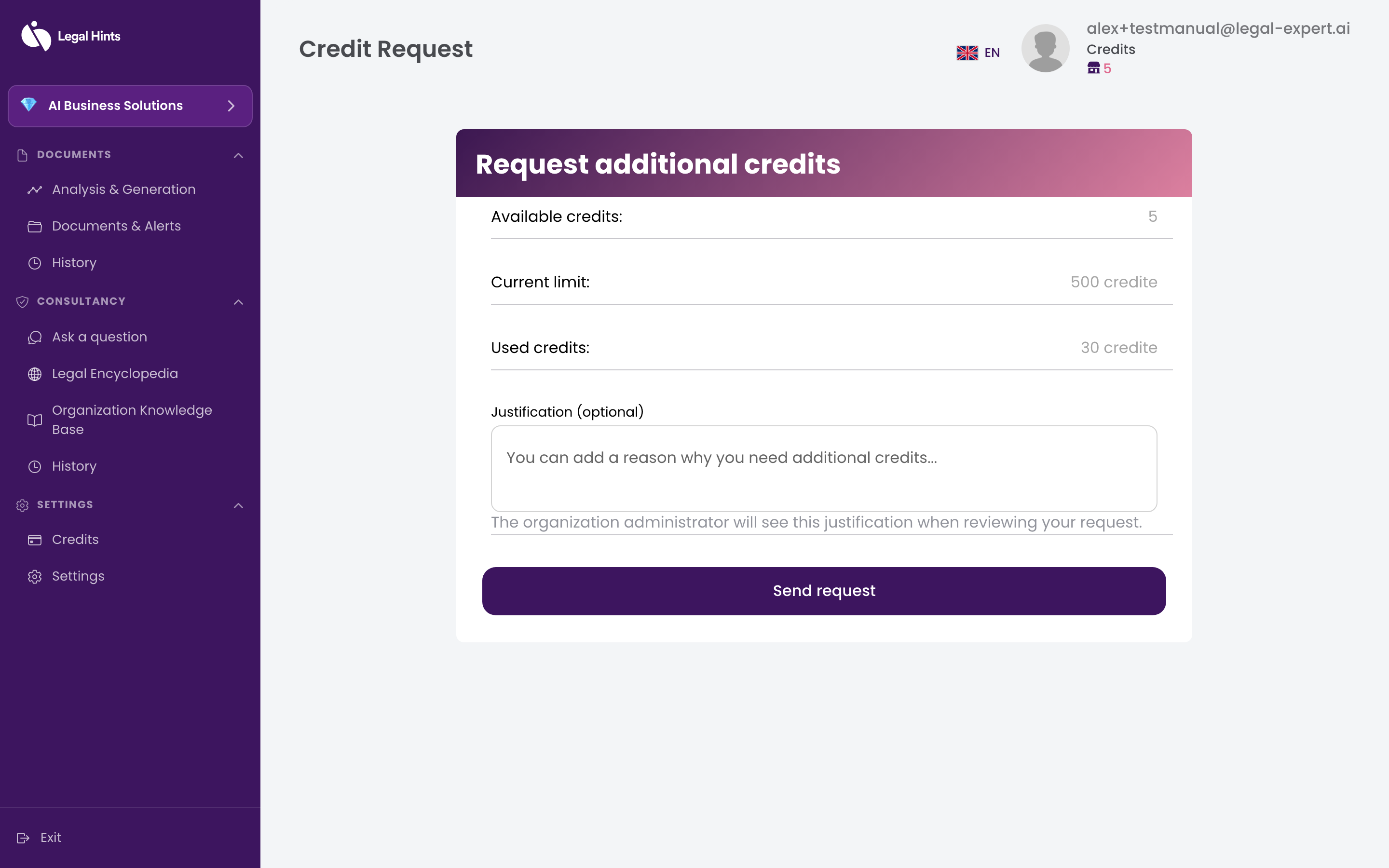
The request form opens. Fill in the requested information.
-
Submit the request by pressing the confirm button.
-
You receive a confirmation that the request has been recorded.
Result
Section titled “Result”Your request is sent for approval to an organization administrator. Once approved, the additional credits are added to the organization’s balance.