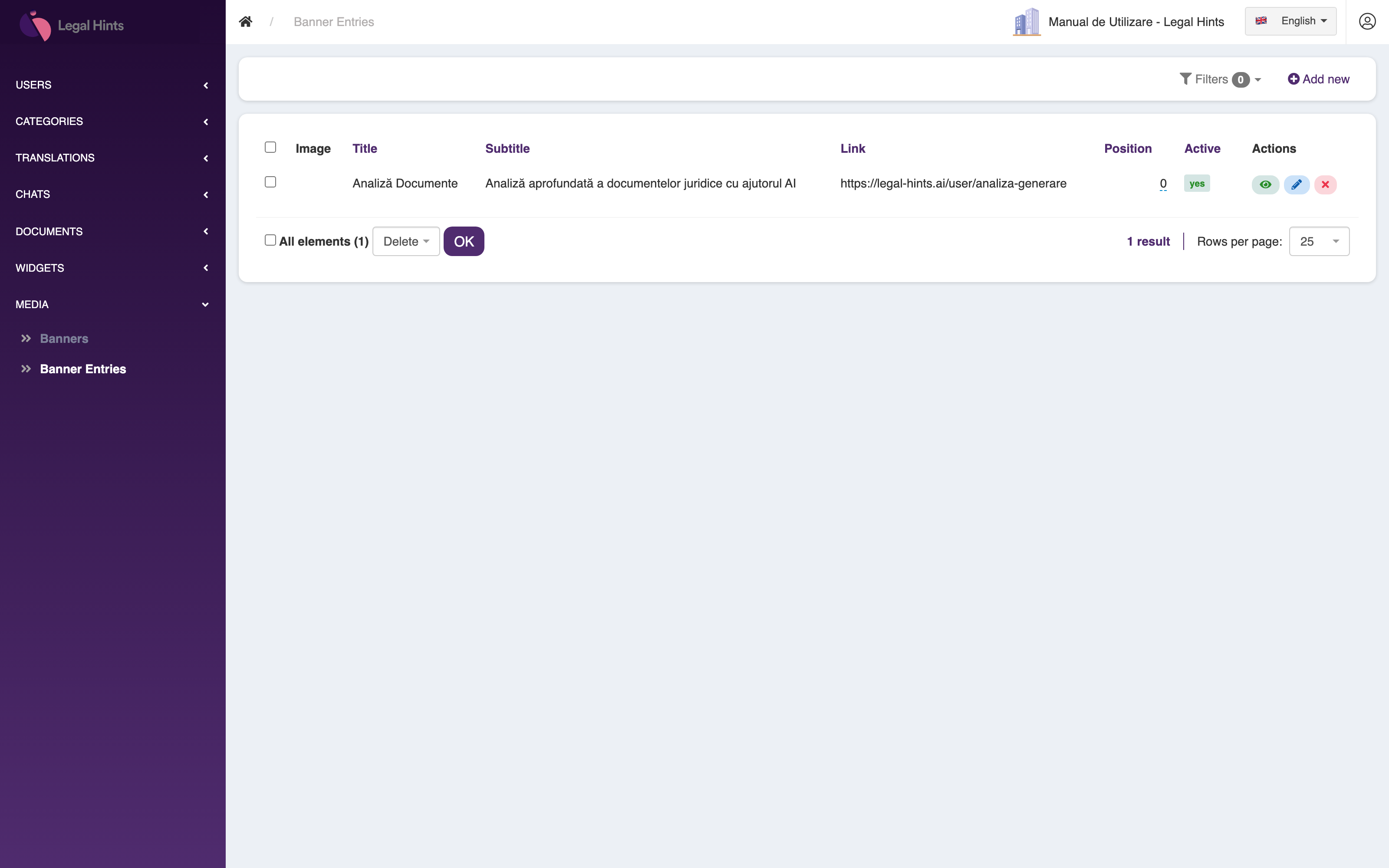

Widgets and media
The last two groups in the sidebar help you configure how the organization’s assistant appears externally: the embeddable chat Widgets and the Media assets (banners).
Widgets
Section titled “Widgets”The Widgets group lists the chat widgets you can embed in the organization’s websites. A widget lets a site’s visitors chat with the AI assistant right from the page.
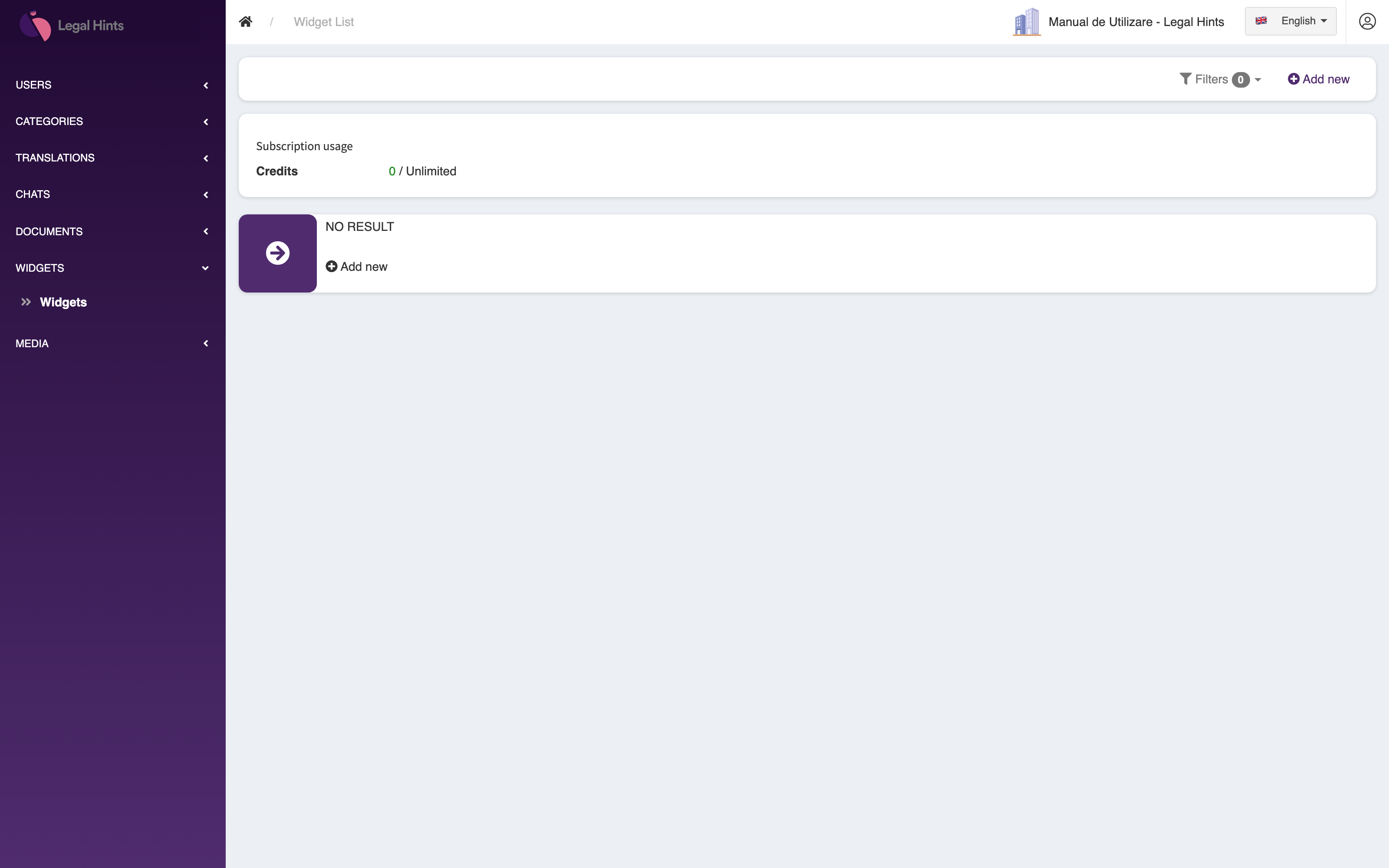
From here you can create and configure widgets and grab the embed code needed to add them to a website. In the demo organization the list is still empty.
The Media group manages the visual assets used in the app. It is organized on two levels: the banner sets and the banner entries that make them up.
Banners
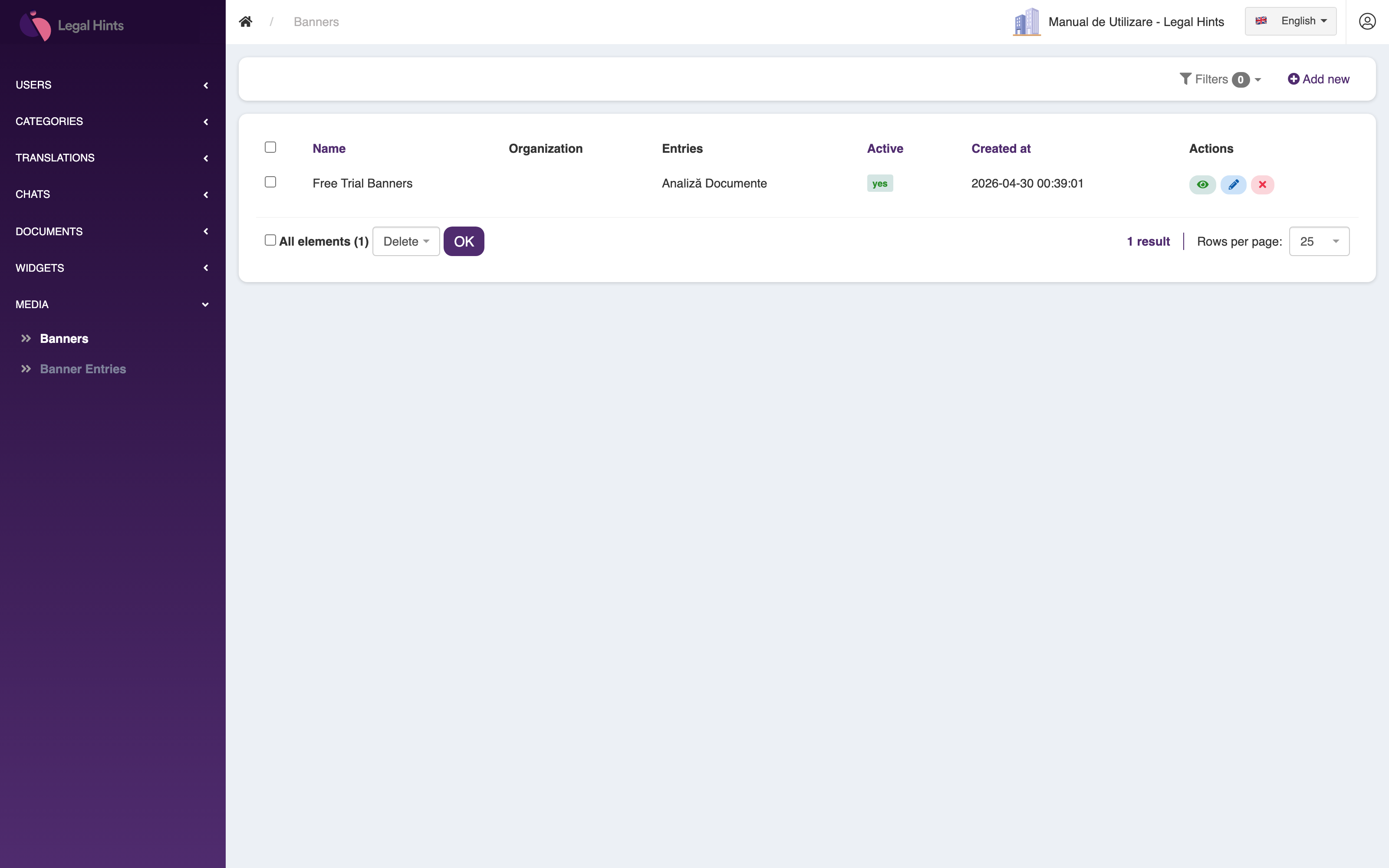
Section titled “Banners”The Banners section lists the banner sets — groups of banners used together in a particular context.
Banner entries
Section titled “Banner entries”Inside a set, the banner entries section lists the individual banners, each with its own image and settings.