

Signing In
Once you’ve created your account, you can sign in to the application at any time using your email and password, or one of the supported external accounts.
-
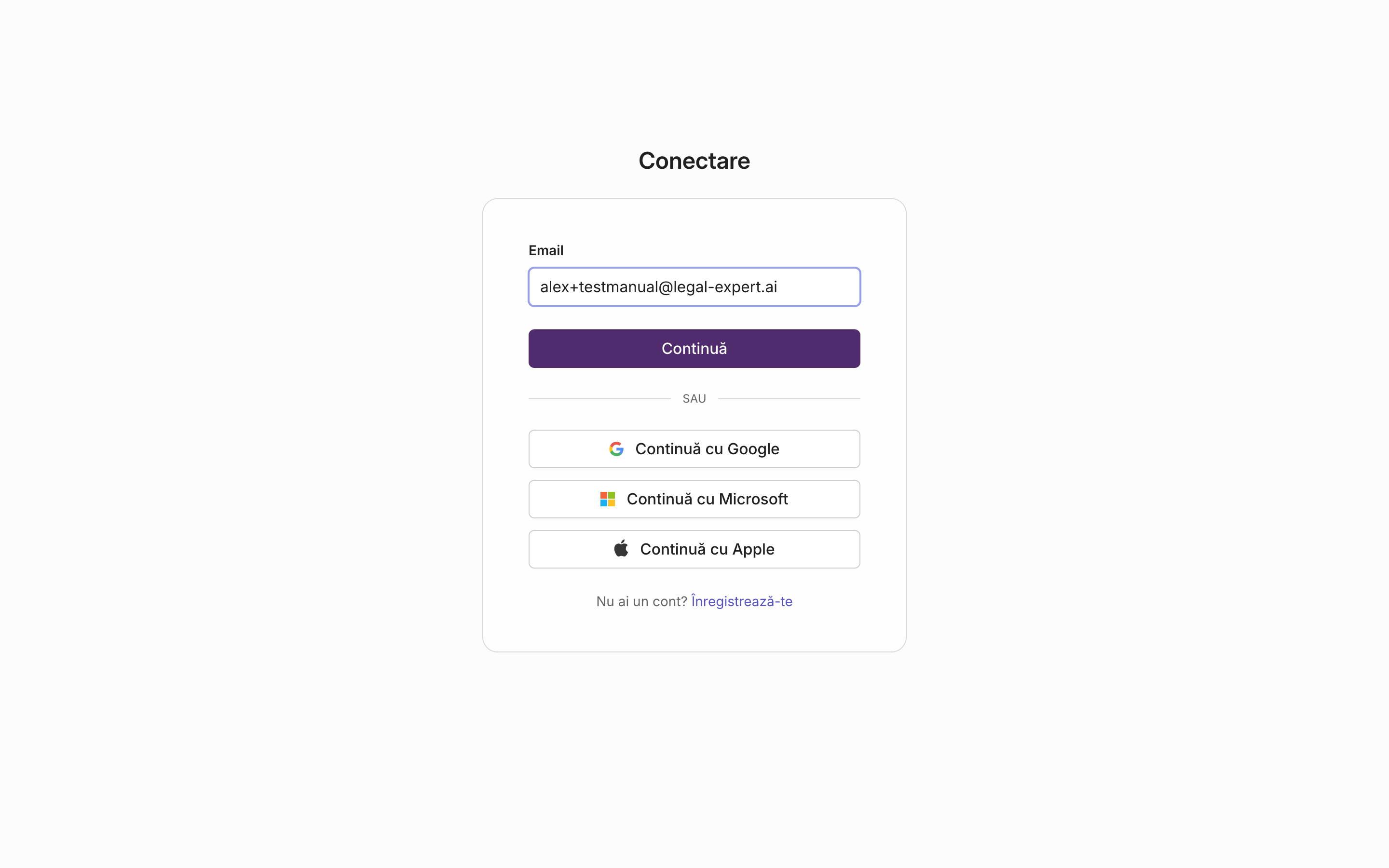
On the sign-in screen, enter the email address used at registration and press “Continue”.
-
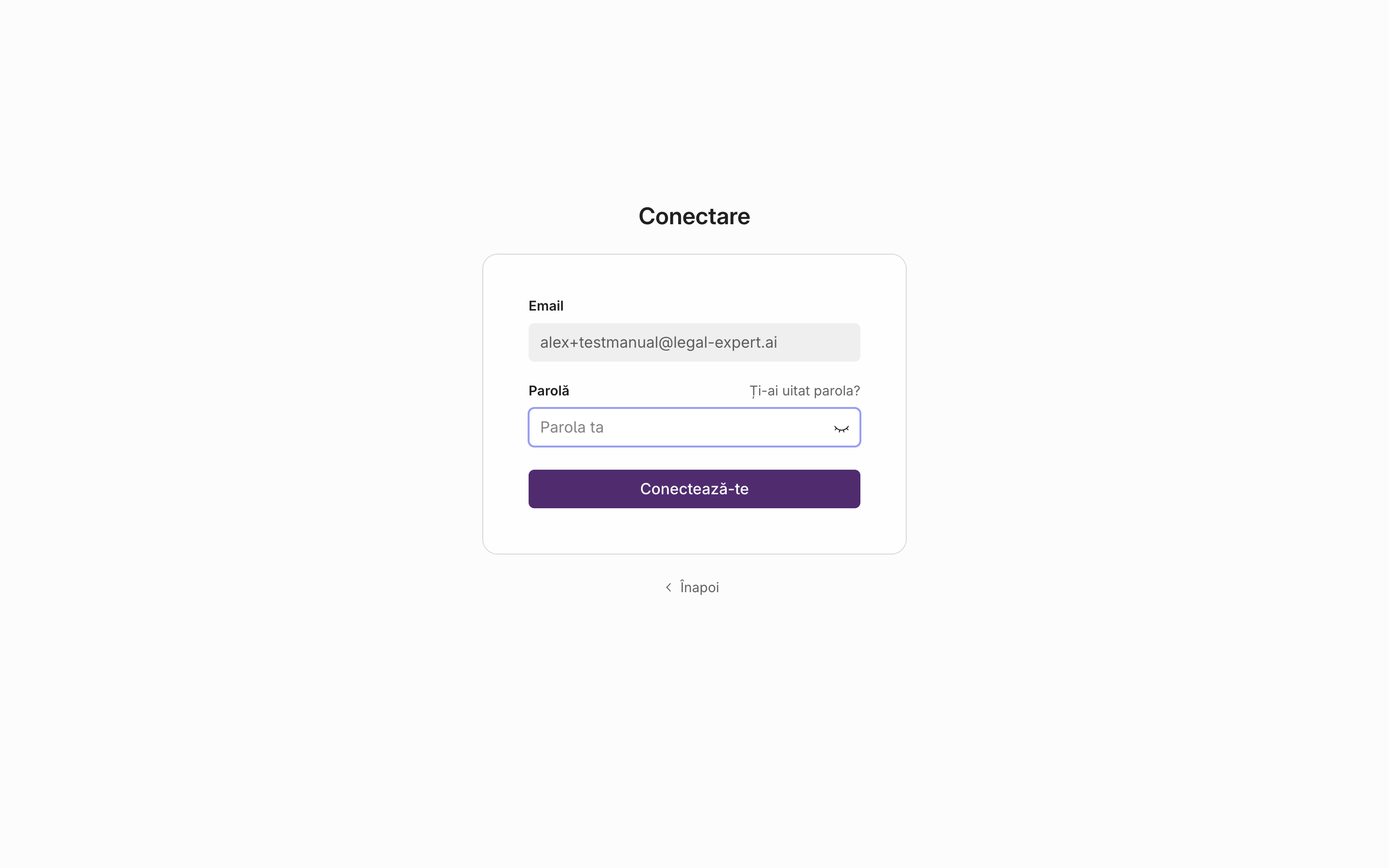
Enter your account password on the next screen.
-
Press the sign-in button to enter the application.
Result
Section titled “Result”You are signed in and land on the application’s main hub.
Signing in with Google, Microsoft, or Apple
Section titled “Signing in with Google, Microsoft, or Apple”Instead of email and password, you can press directly on one of the Google, Microsoft, or Apple options on the sign-in screen and continue with that account.
Forgot your password?
Section titled “Forgot your password?”-
On the password screen, press the “Forgot your password?” link.
-
Enter the account’s email address and submit the request.
-
You will receive an email with a reset link. Follow the link and set a new password.
Signing out
Section titled “Signing out”To log out of your account, use the Log out option from the application menu.