

Generating Documents
Document generation helps you quickly create legal documents based on your data. Choose the type of document you want, fill in the required information, and the assistant prepares a draft that you can use and adjust.
Available document types
Section titled “Available document types”From the Generate card you can create:
- Commercial contracts
- Employment contracts
- Terms and conditions
- Privacy policies
- NDA (non-disclosure agreement)
- Letters
- Petition responses
Generation options
Section titled “Generation options”For each type you have several starting options available:
- External draft — starting from a document you already have.
- Own template — using a model defined by your organization.
- Template — starting from a standard model provided in the application.
-
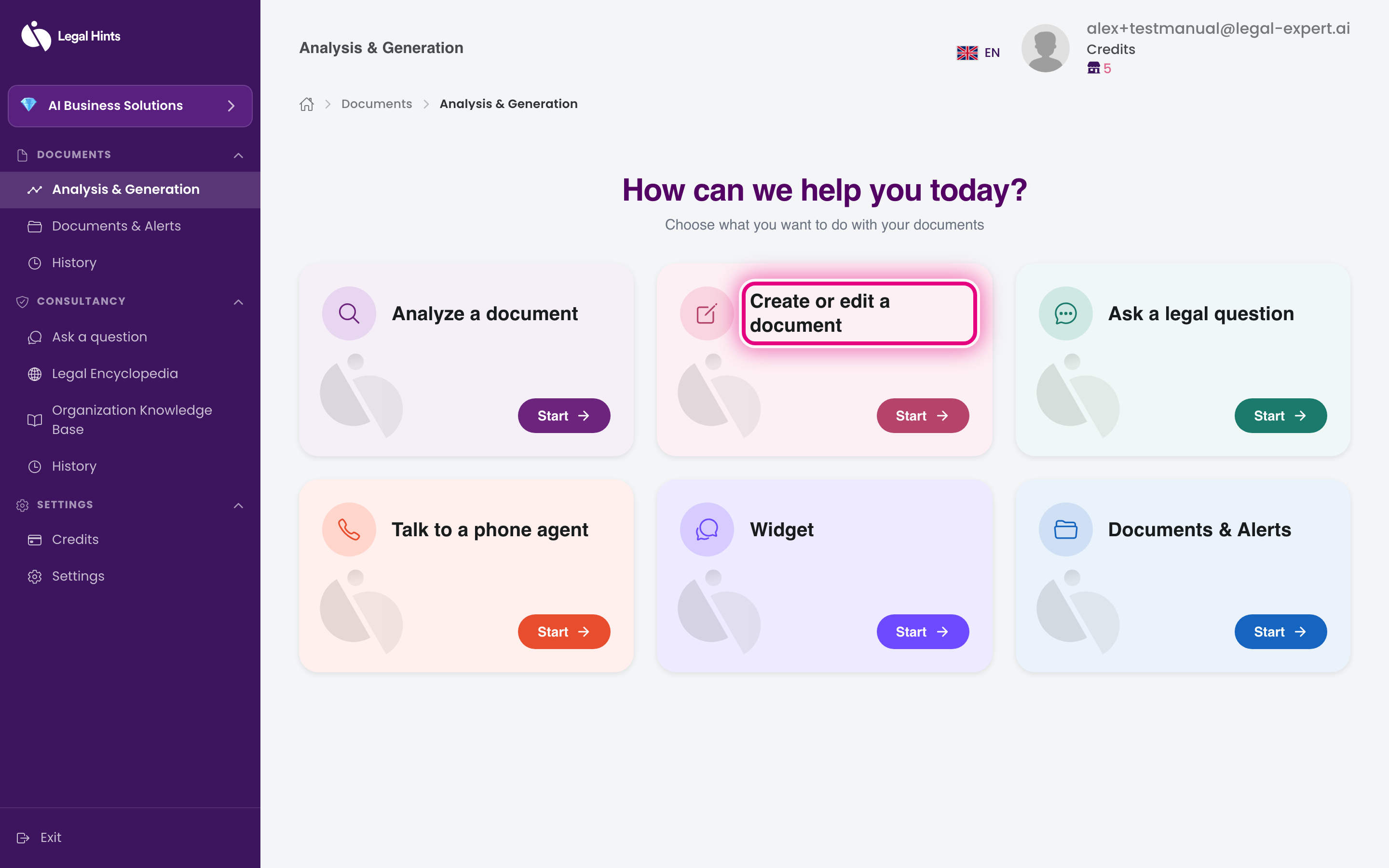
On the main hub “Analysis & Generation”, press the Create or edit document card.
-
Choose the type of document you want to generate (for example NDA).
-
Choose the starting option: external draft, own template, or template.
-
Fill in the information requested for your document.
-
Confirm and wait for generation. The assistant prepares the document based on the information entered.
-
Review the generated document. You can revise and use it further.
Result
Section titled “Result”You get a document prepared based on the data entered. The document remains available in Documents & Alerts, and the task appears in Project history.