

Conversations, suggestions and content
Beyond users, the administration panel helps you follow the interactions within your organization and curate the content the AI assistant relies on.
Conversations
Section titled “Conversations”The Chats group lists the discussions held with the AI assistant within the organization. Each entry represents a user conversation, which you can open to see the exchanged messages.
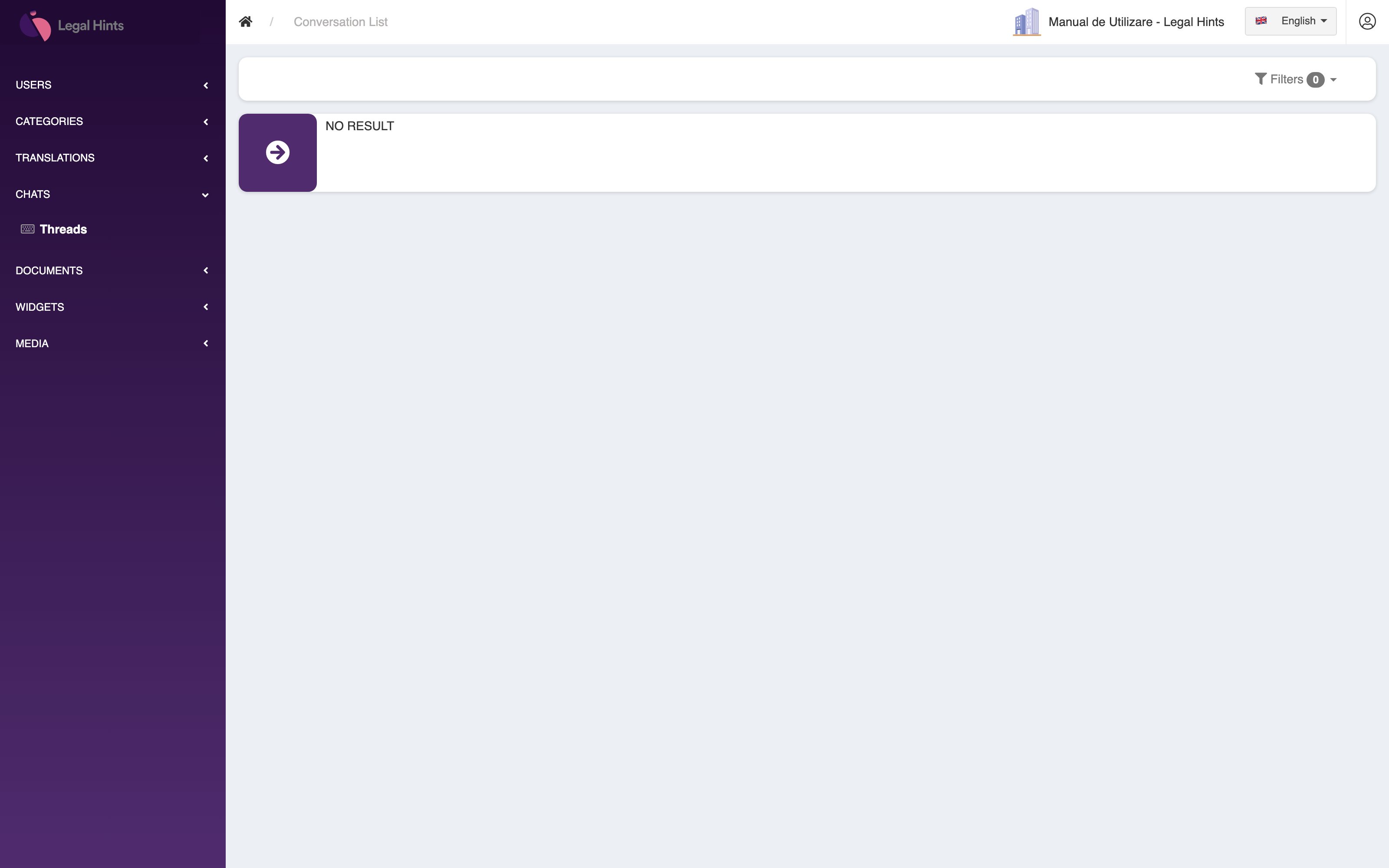
This list helps you understand what users ask and how the assistant responds. In the demo organization, with no activity yet, the list is empty.
Suggestions
Section titled “Suggestions”The Suggestions section collects the proposed questions or topics associated with conversations — the suggestions the assistant can offer users to guide them.
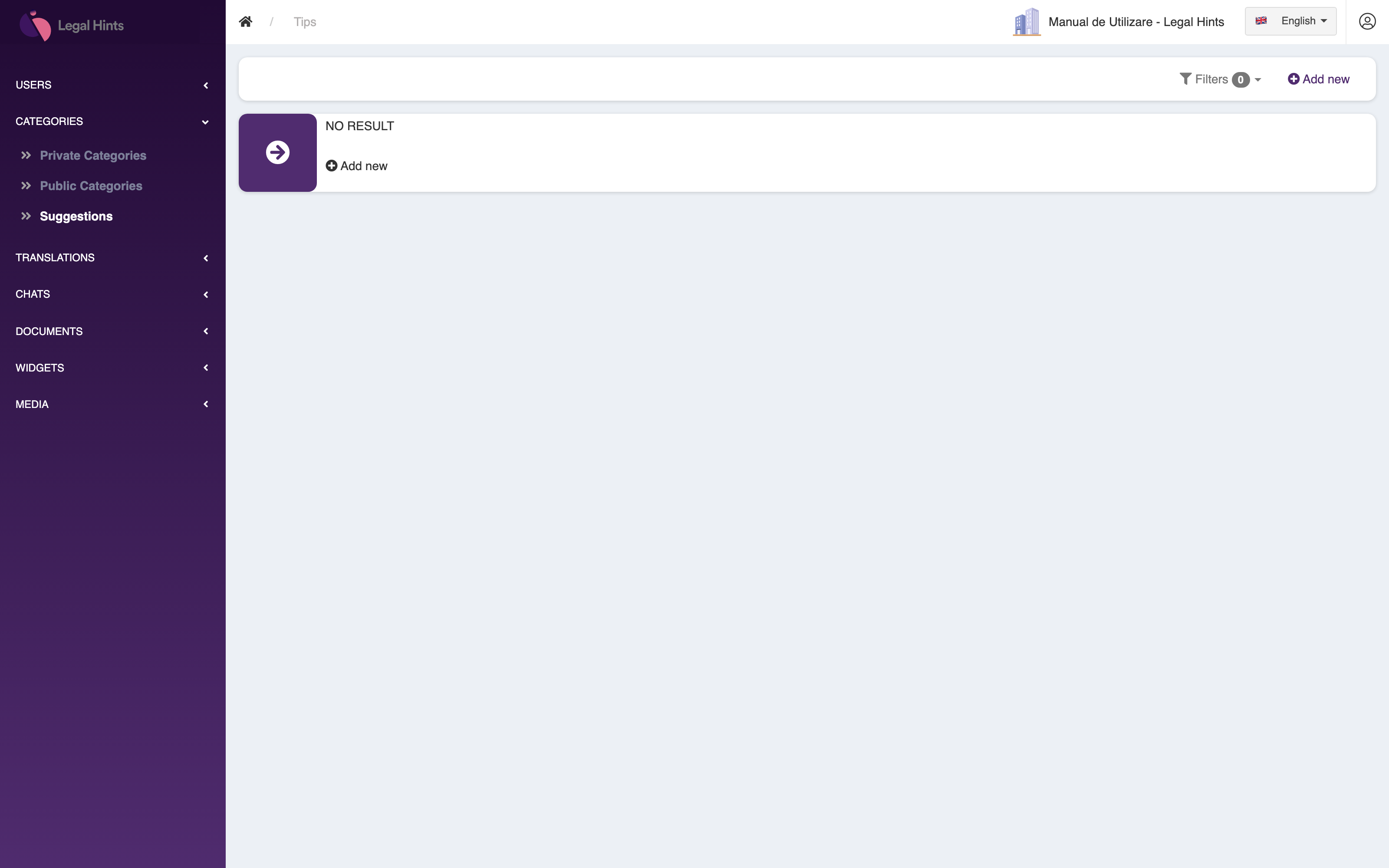
By reviewing the suggestions you can see which conversation directions are proposed and adjust them to better fit the organization’s needs.
Content and knowledge base
Section titled “Content and knowledge base”The sidebar also includes a few groups dedicated to the content the organization’s assistant draws on. These have no screens illustrated here, but their role is important:
- Categories — organize content and the knowledge base by topic, so the assistant can more easily retrieve relevant information.
- Translations — manage the translated texts used across the organization’s interface and content, so they are presented to users in the right language.
- Documents — manage the documents available to the assistant; these feed the answers offered to the organization’s users.